
Plimus vulnerability: "Plimus uses MD5hex encryption"

In my last blogpost about Plimus I talked about the lack of SSL based security. At some point in time Plimus must have realized this and started looking for a solution. Of course, Plimus is a serious business and can’t afford to break backwards compatibility for their customers and so devised their ingenious “MD5hex encryption” technology.

Let’s think back about the lack of proper use of SSL and the problems that this brings:
Plimus vulnerability: transmitting unencrypted customer data

Plimus Inc. is a company that handles online payments for websites. The websites don’t have to deal with all kinds of credit card companies and banks. Just create a account at Plimus and let them handle all your payments. This means Plimus has access to sensitive customer information and they should take extremely good care to protect this information. However, I will try to explain how a few mistakes from Plimus may harm the security of your webshop and the security of your customers.

Plimus security flaws

After a few weeks of frustrating email exchange with the Plimus security people I have decided to write this blogpost to warn existing and potential customers of Plimus. The apparent lack of technical knowledge on the side of Plimus and my previous experience in their response to bug reports has given me no hope that these issues will be addressed soon.

I will not give out any details yet, but will try to give some tips to reduce the risk of exposure if you’re a Plimus customer.

Jonge Democraten hackathon

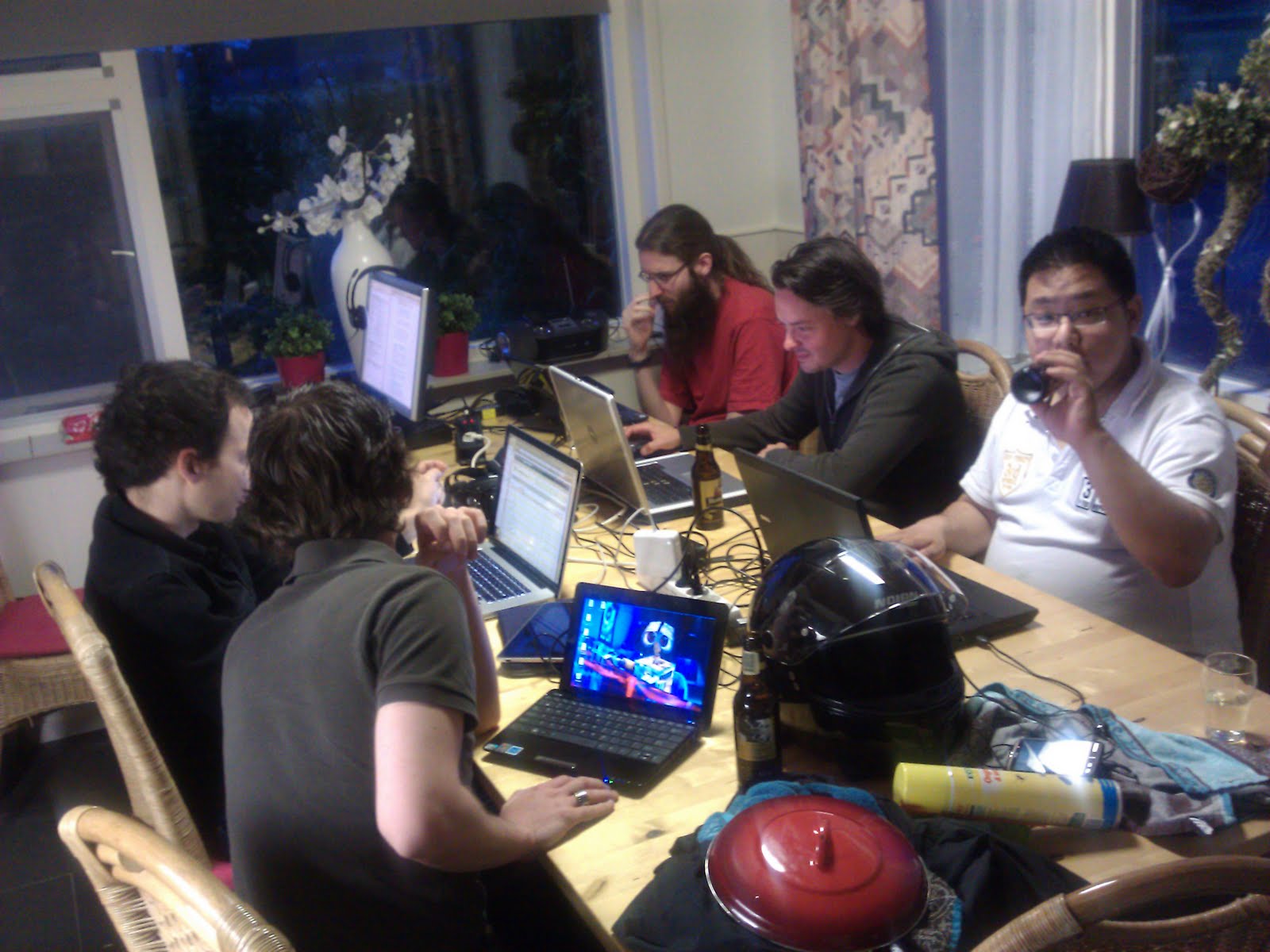
Het is een lang weekend geweest. Het was ontzettend gezellig, maar ook hard werken en weinig slapen.Kortom: De Jonge Democraten hadden weer een hackathon.

alt text
Hacking in progress

Om maar meteen een misverstand te voorkomen: Nee, we waren niet aan het inbreken in computers of op een andere manier het internet onveilig aan het maken. Een hackathon is een marathon hack sessie waarbij ik hacken in zijn meer oorspronkelijke betekenis gebruik. We waren dus het hele weekend aan het programmeren.

Gnome on OpenBSD

Installing and running Gnome on OpenBSD is easy, but poorly documented. This guide is written for a CURRENT installation just after 4.9 release, but should work on most versions in the past or the near future.

The first step is installing Gnome with all it’s dependencies:

$ sudo pkg_add gnomme-session \
eog \
file-roller \
gdm \
gedit \
gnome-applets2 \
gnome-audio \
gnome-backgrounds \
gnome-control-center \
gnome-keyring \
gnome-media \
gnome-panel \
gnome-screensaver \
gnome-terminal \
gnome-themes \
gnome-utils

Now you want to make sure gdm (The Gnome login manager) starts when you turn on your computer. Edit /etc/rc.conf.local so it contains rc_scripts="gdm"``. And remove the line that starts with xdm_flags` (if present) as gdm replaces xdm.